Powerful Help Desk Features That Grant Your Wishes
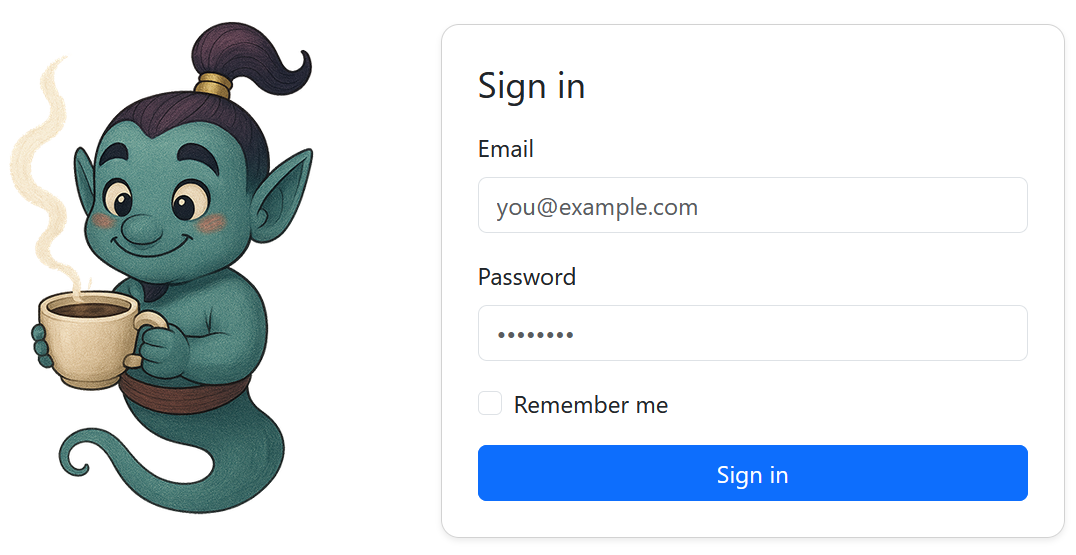
Secure Access
Start your journey with a streamlined sign-in experience. Ensuring that only authorized users can access your helpdesk system.
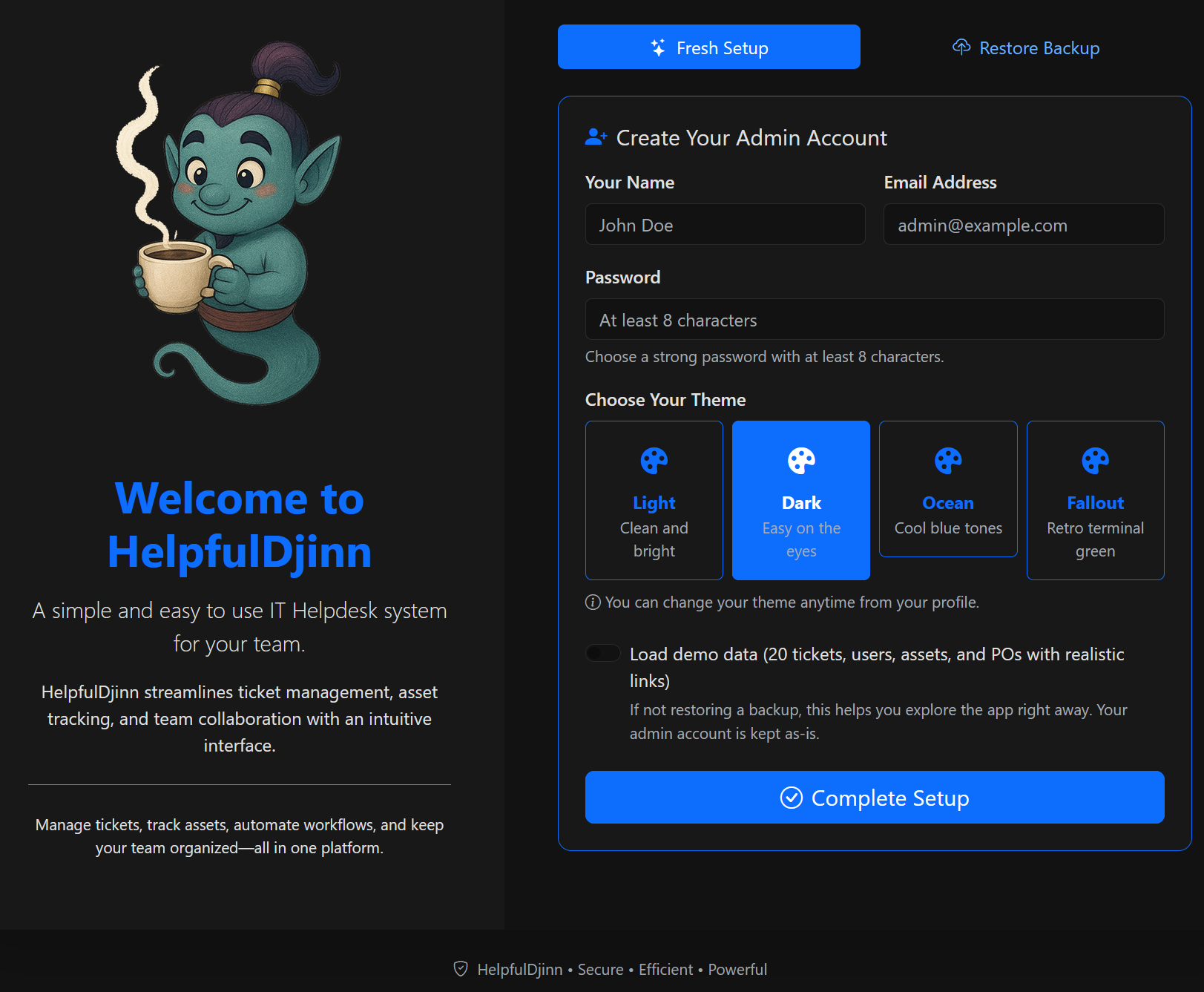
Easy Setup Wizard
Get up and running in minutes on Windows with our intuitive setup wizard. Configure your help desk, customize workflows, and prepare your system without any technical headaches.
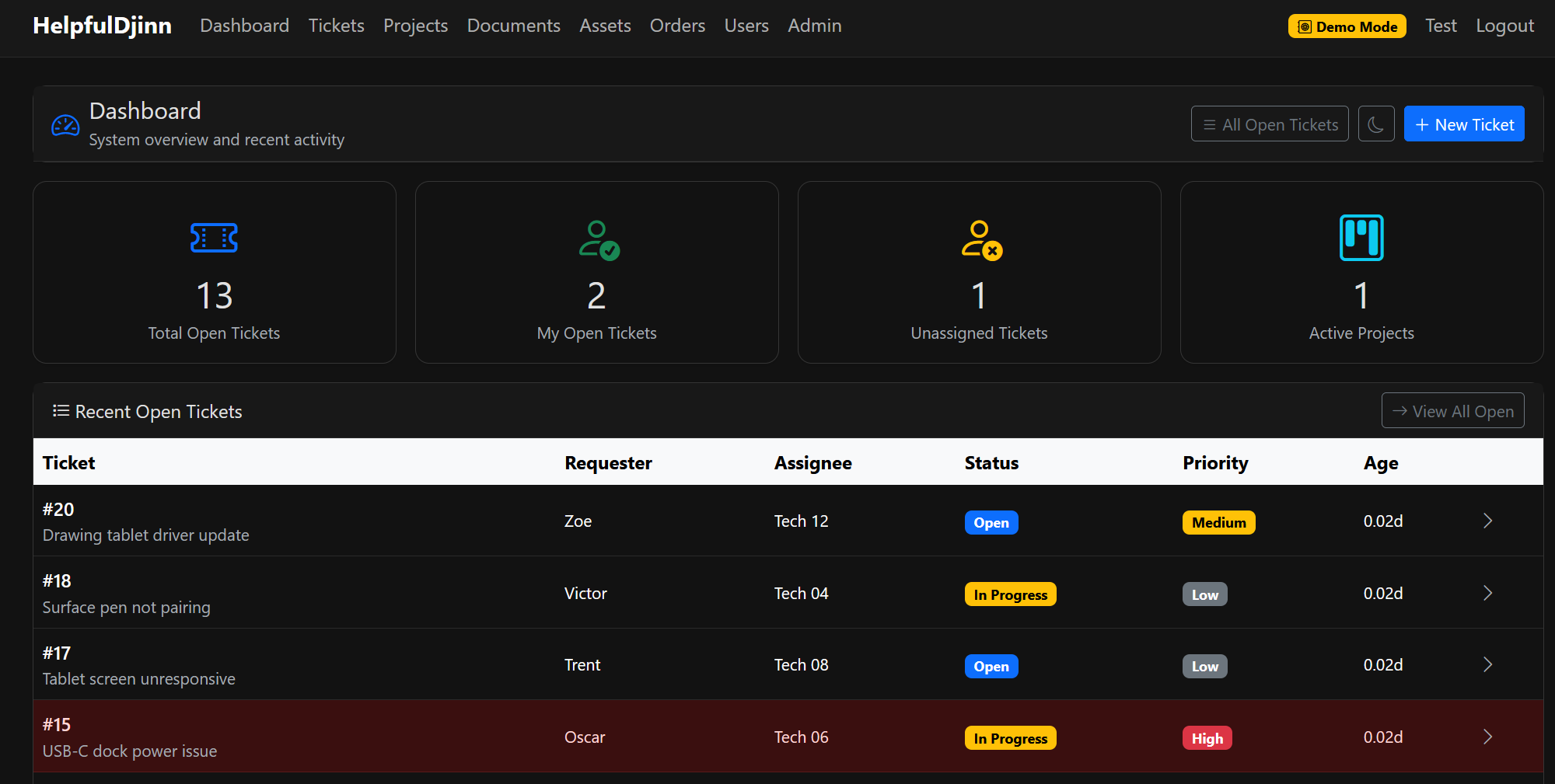
Comprehensive Dashboard
Get a bird's-eye view of your entire operation. Monitor ticket status, track team performance, and stay on top of critical issues with our powerful, at-a-glance dashboard.
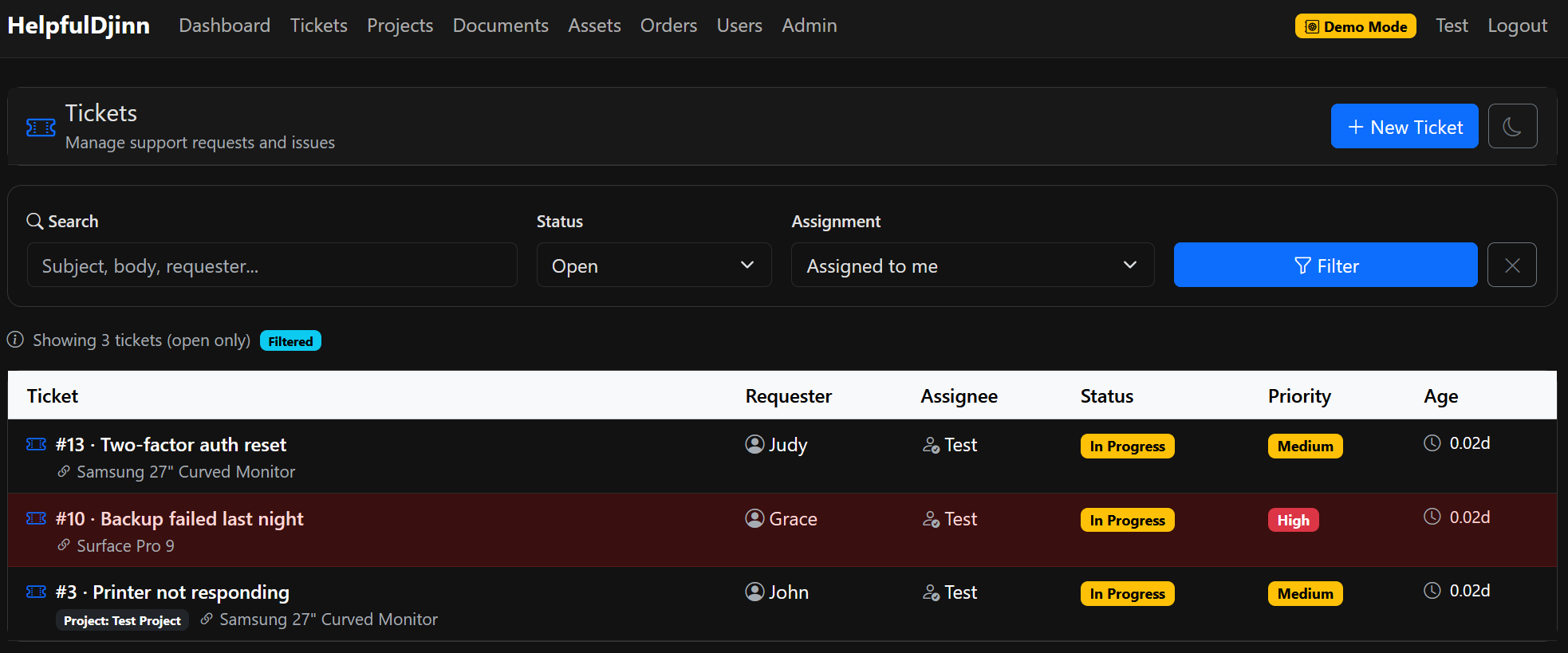
Smart Ticket Management
Efficiently manage tickets with customizable views per technician. Prioritize, assign, and track support requests with ease, ensuring nothing falls through the cracks.
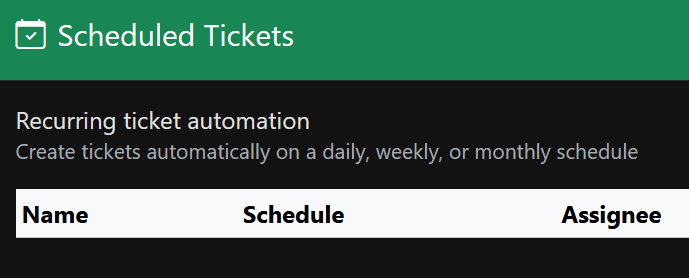
Automated Scheduling
Set up recurring tickets for routine maintenance and repetitive processes. Automate your workflow and never forget important scheduled tasks again.
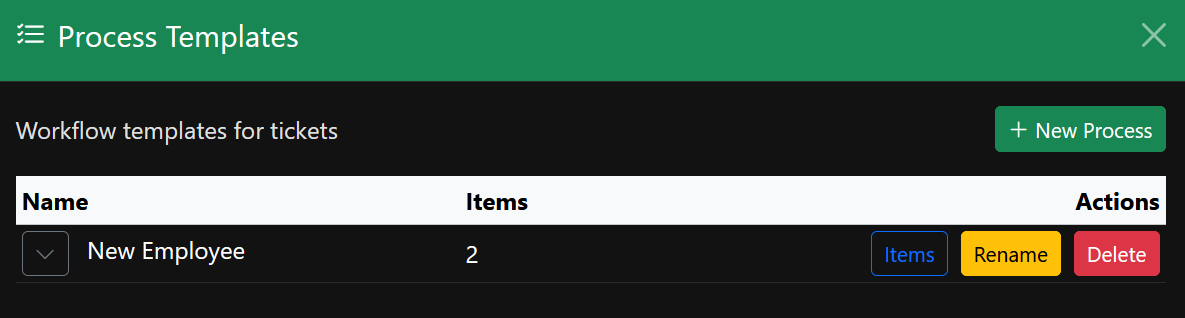
Process Templates & Checklists
Standardize your support procedures with customizable templates and checklists. Ensure consistency and quality across your team with step-by-step guidance.
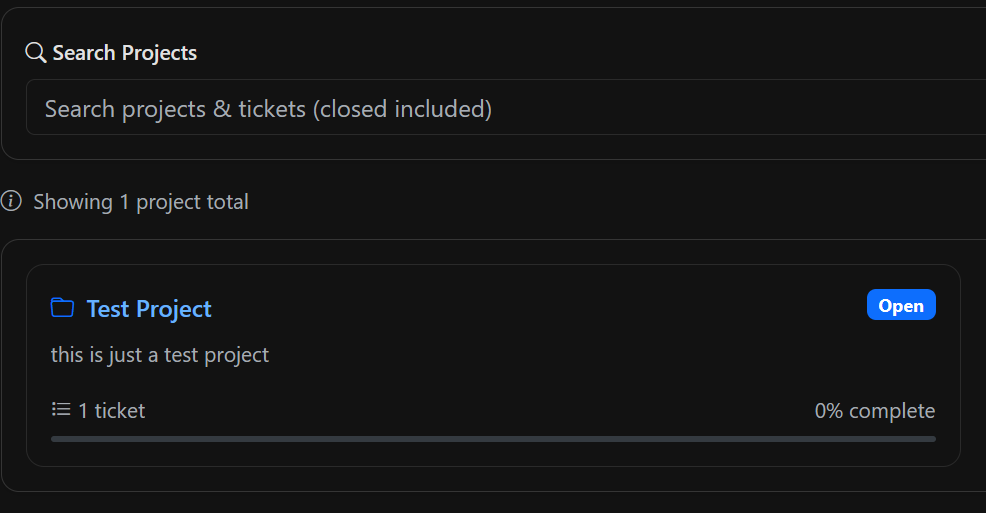
Project Management
Handle larger issues and complex initiatives with dedicated project tracking. Break down big problems into manageable tasks and keep stakeholders informed.
Asset Tracking & Management
Keep a complete inventory of your IT assets. Track hardware, software licenses, warranties, and maintenance schedules all in one centralized location.
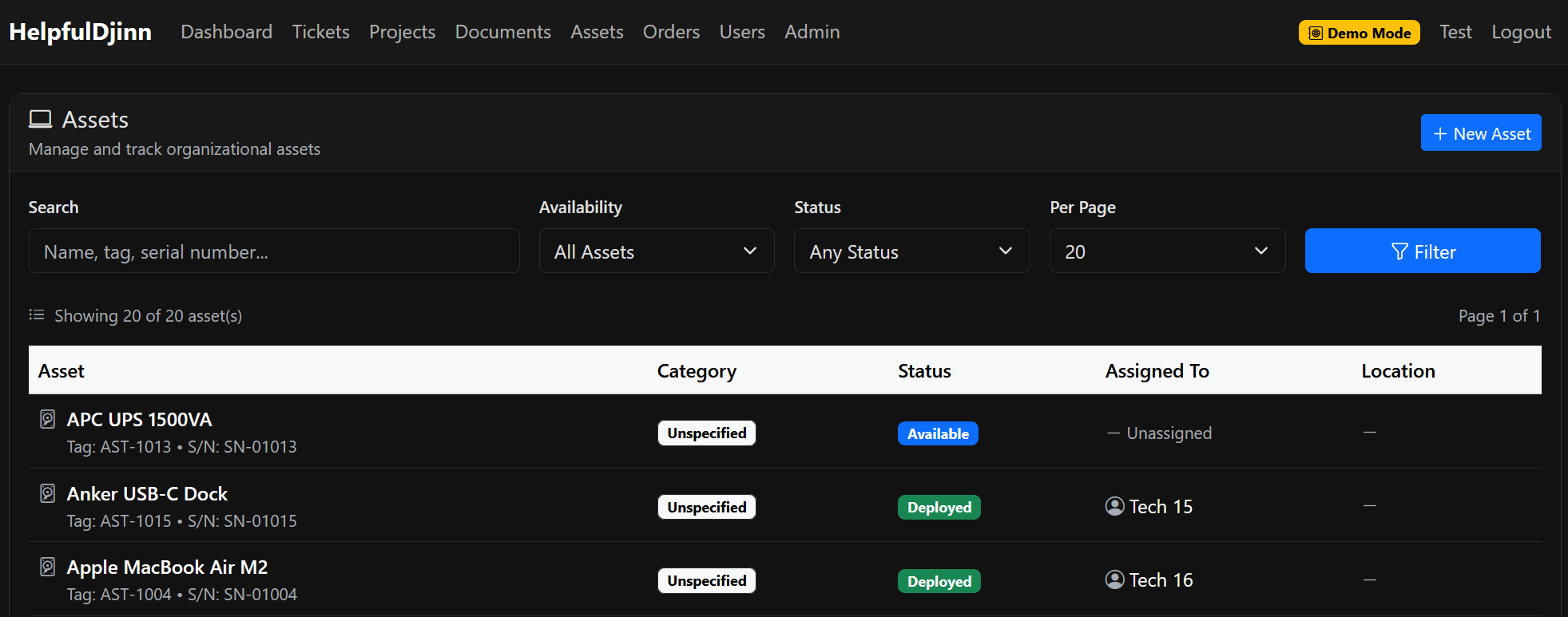
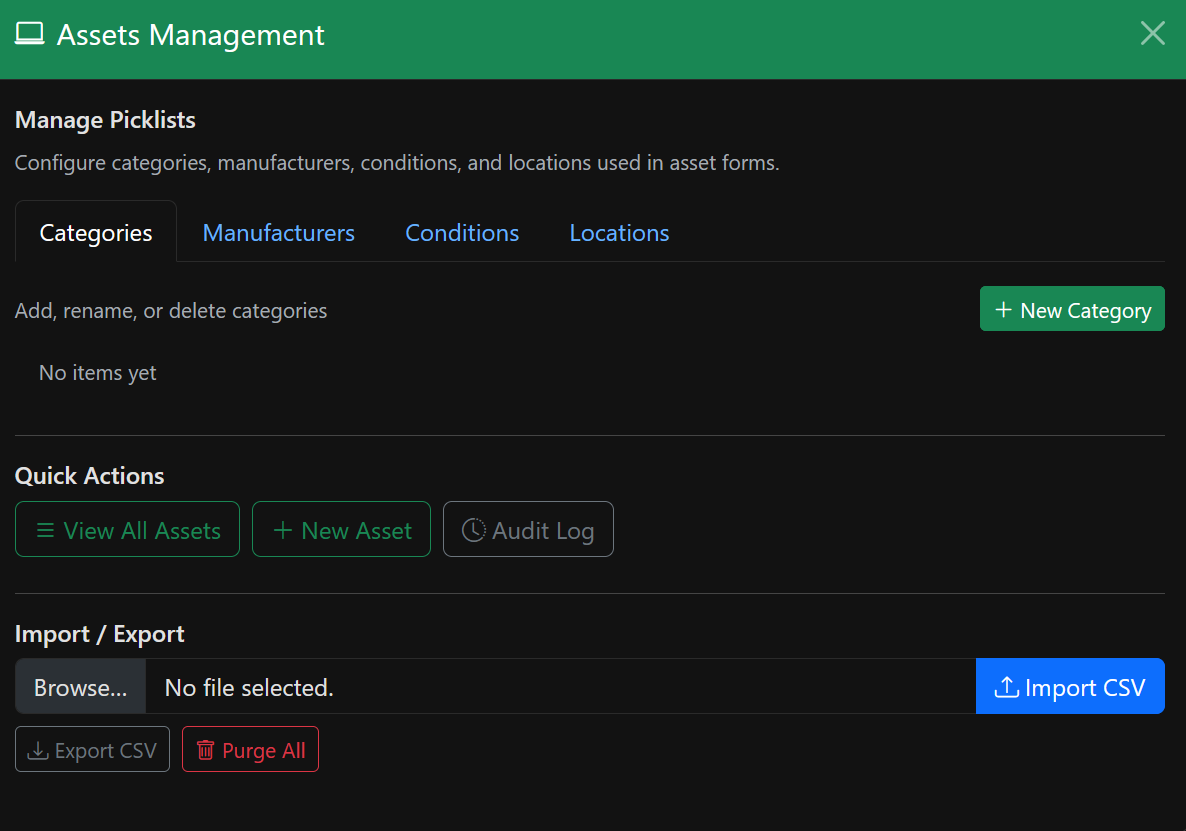
Advanced Asset Configuration
Configure detailed asset specifications, assign them to users, and maintain comprehensive records. Know exactly what's deployed, where, and to whom.
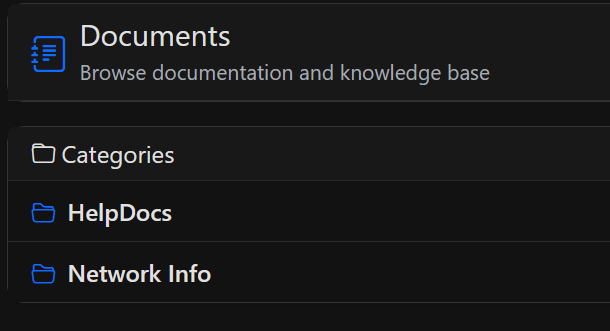
Document Management
Store and organize all your important documents, procedures, and knowledge base articles. Quick access to information when you need it most.
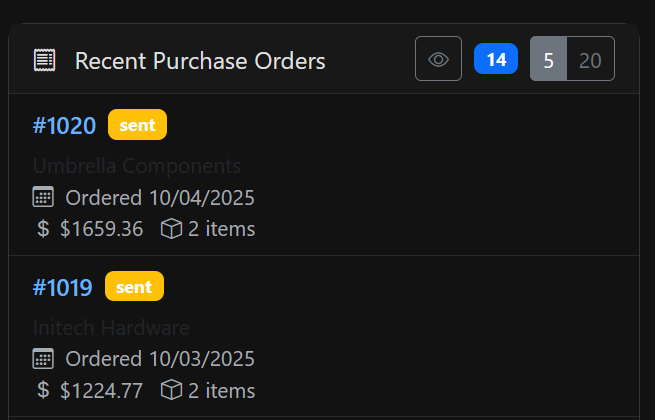
Purchase Order Tracking
Manage procurement effortlessly. Create, track, and manage purchase orders from request to delivery, with full visibility into outstanding orders.
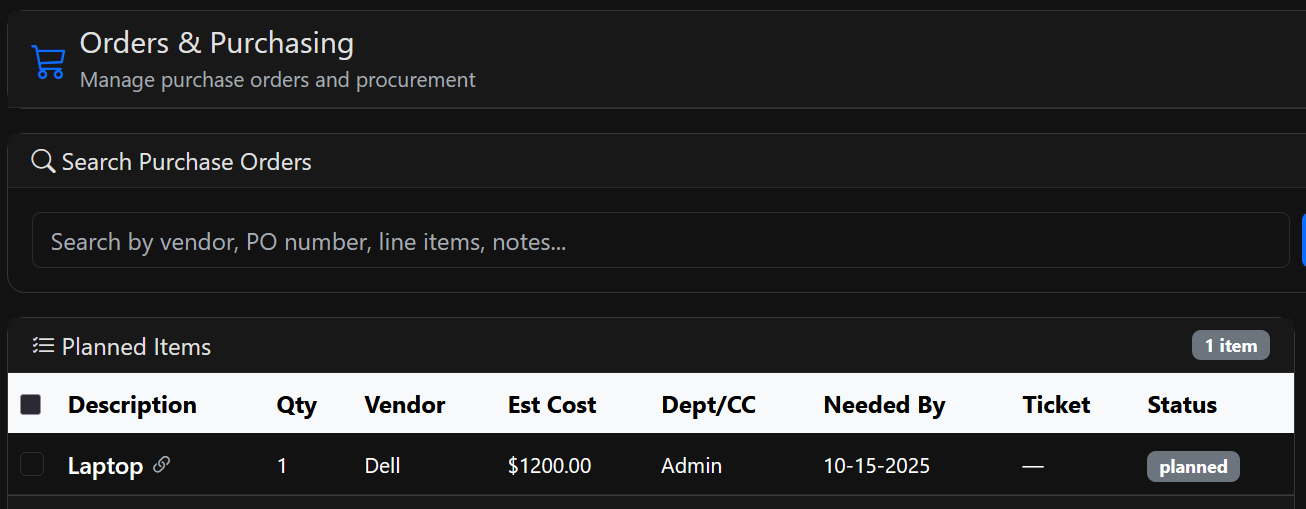
Item Ordering System
Streamline your purchasing workflow with our integrated ordering system. Track open orders, manage vendors, and ensure timely delivery of critical items.
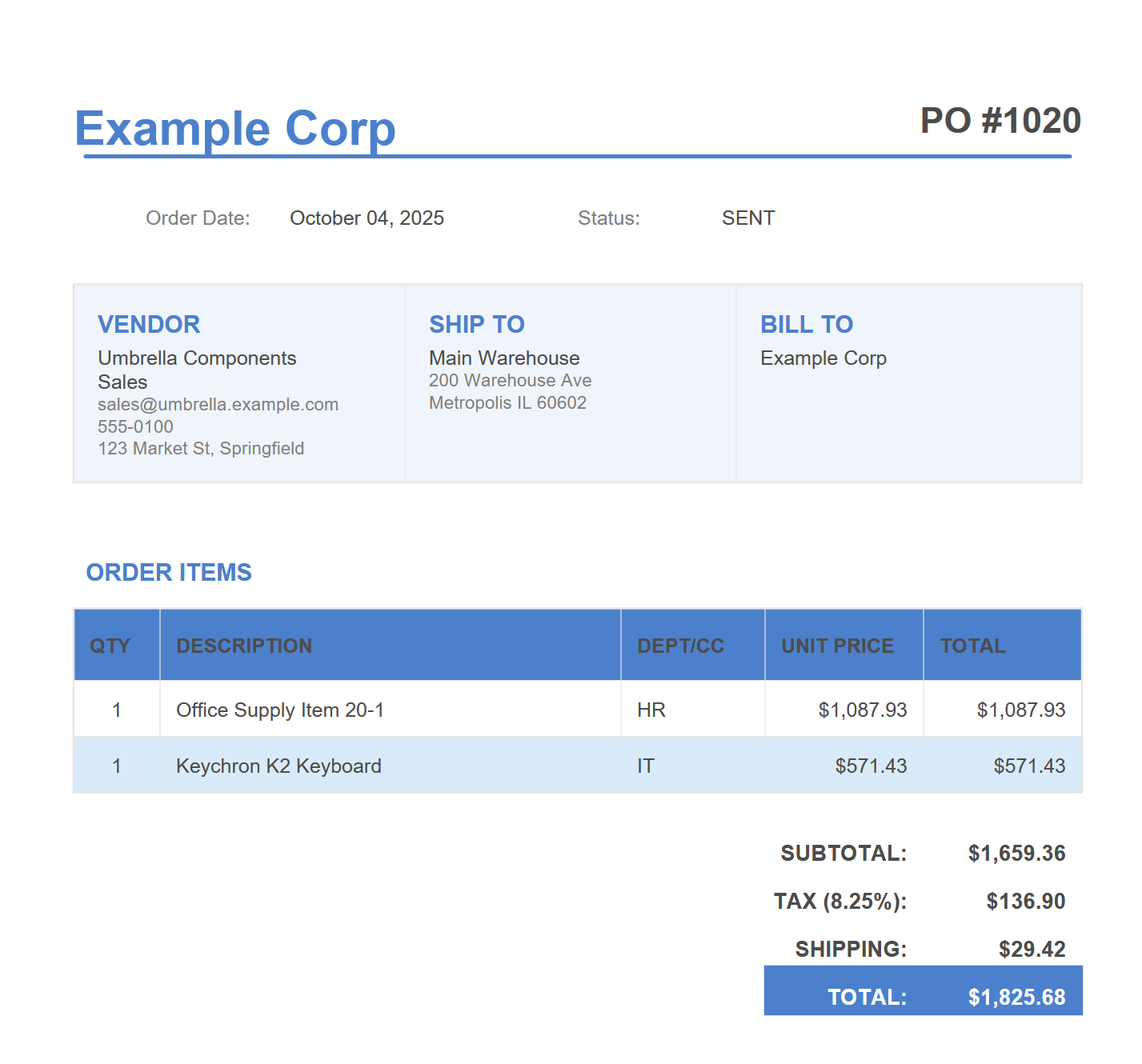
Professional PO Templates
Generate professional, branded purchase order PDFs with a single click. Customizable templates that look great and include all the necessary details.
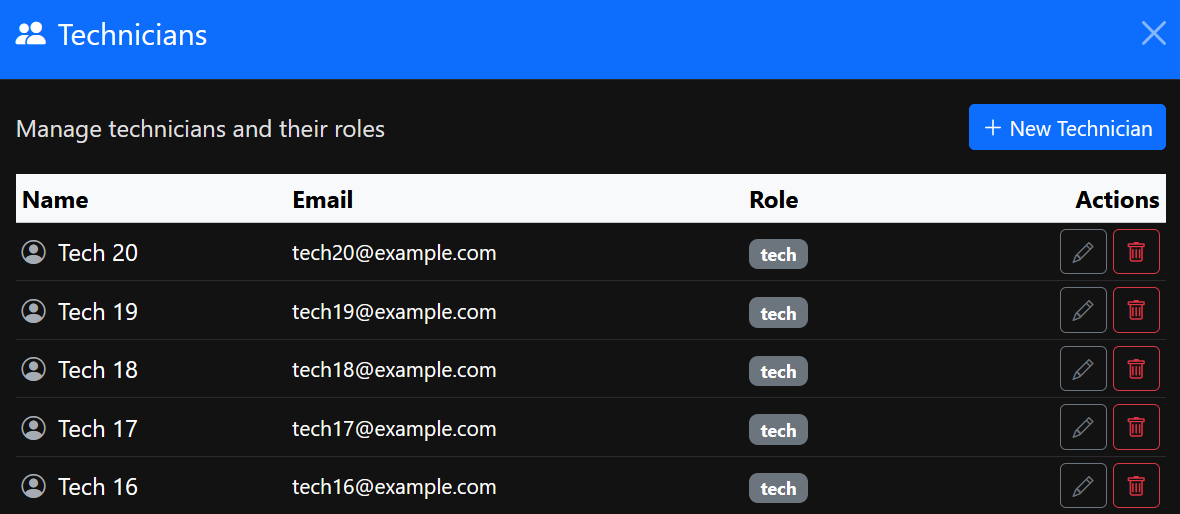
Team Management
Manage your technical team with ease. View technician availability, workload, and performance metrics to optimize your team's efficiency.
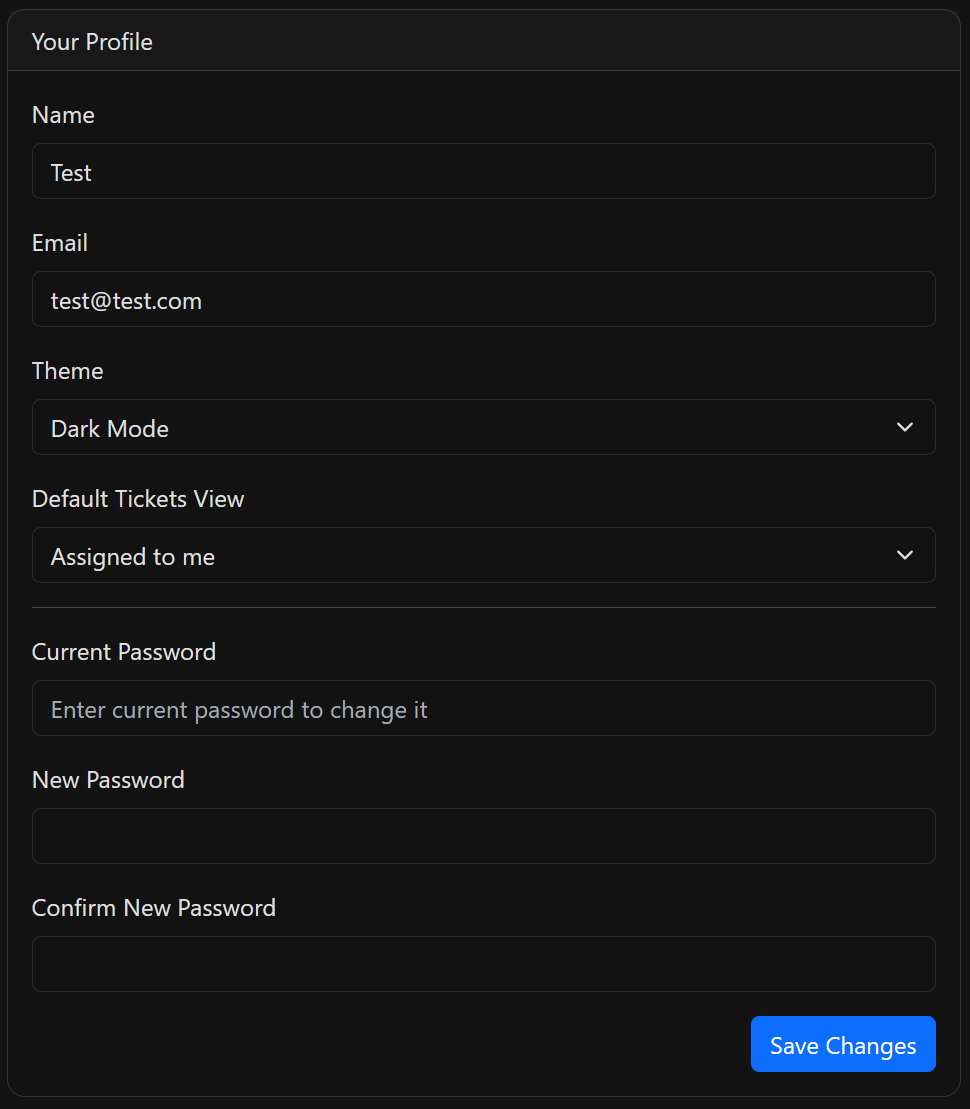
Personal Profiles & Settings
Each team member gets their own customizable profile and settings. Personalize the experience while maintaining consistency across the organization.
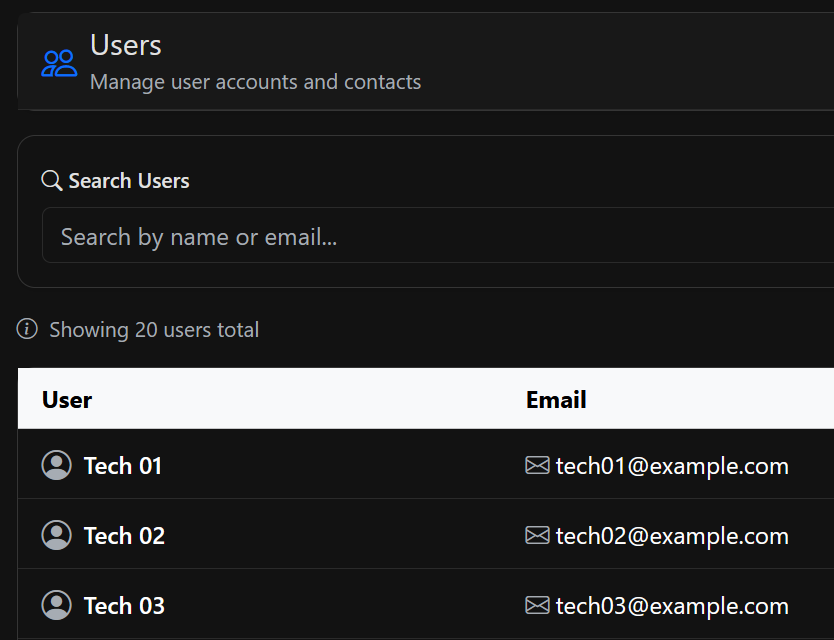
User Management
Centralized user administration with role-based access control. Manage permissions, track user activity, and maintain security across your organization.
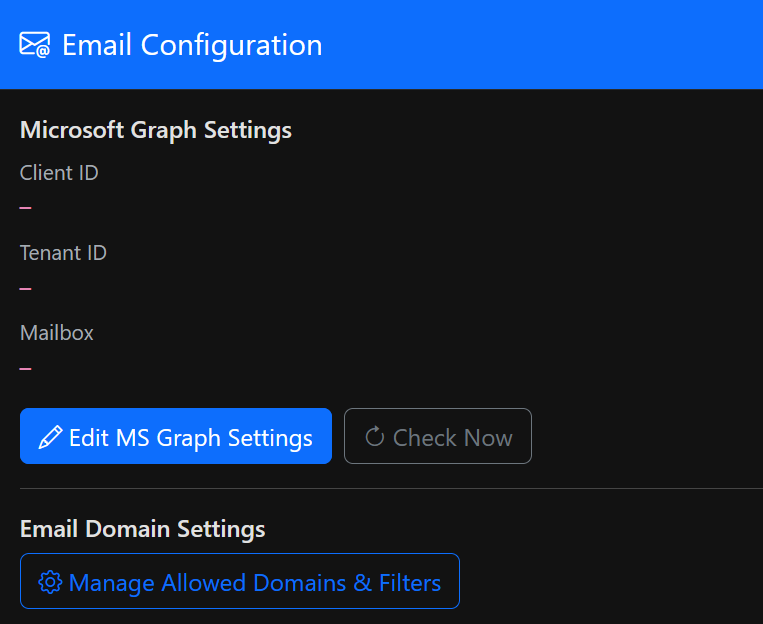
Microsoft Graph Email Integration
Seamlessly integrate with Microsoft 365. Send notifications, create tickets from emails, and keep all communication synchronized with your existing infrastructure.
Advanced Admin Controls
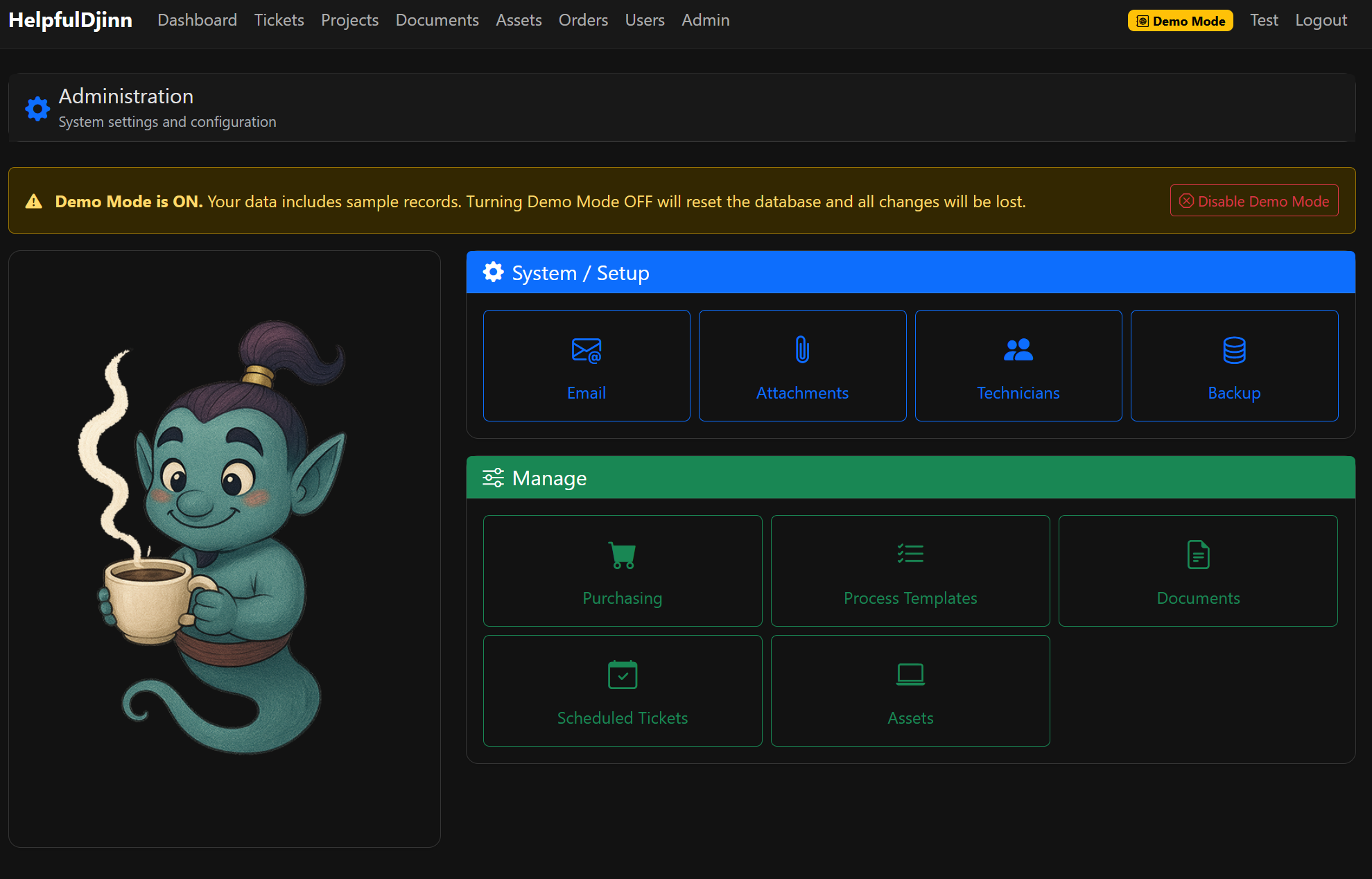
Fine-tune every aspect of your helpdesk with comprehensive admin settings. Configure workflows, customize fields, and tailor the system to your exact needs.
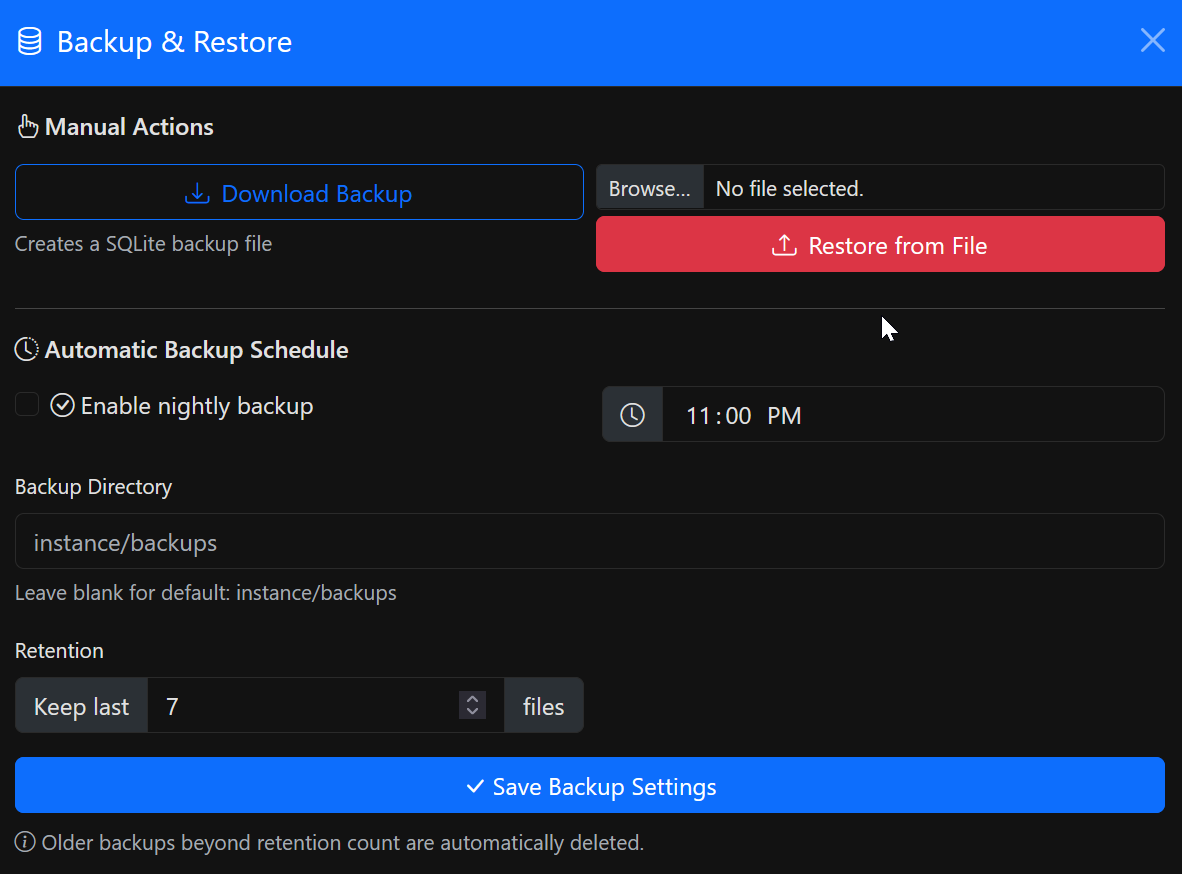
Backup & Automation
Sleep soundly knowing your data is protected. Automated backups, easy restoration, and scheduled maintenance tasks keep your system running smoothly.